The question teams ask first about coding agents is not “how good is the model?” It is “how do we stay in control?” That is the right question. An agent that can edit files and run commands can also delete the wrong directory, push a migration that locks a table or burn through a month of budget overnight.
The answer is not to keep a person watching every step. That throws away most of the value. The answer is to decide, in advance, which decisions need a human, and make everything else safe enough to run on its own.
This post covers the controls that matter: approval gates, command permissions, rules, sandboxes, budgets and an audit trail. It ends with a starter policy you can adapt.
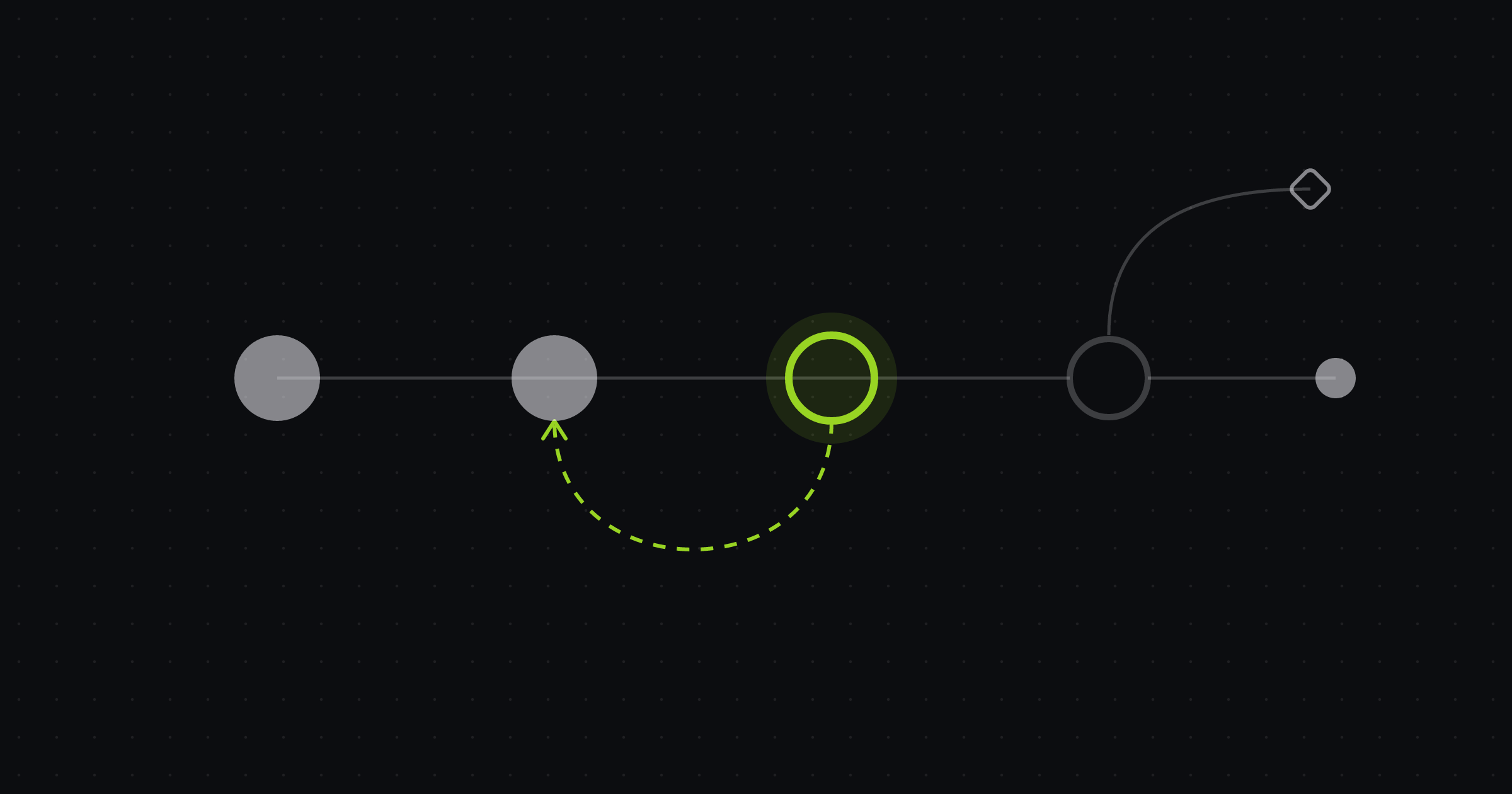
Autonomy is a dial, not a switch
It helps to think of agent autonomy as a setting per decision, not per agent. The same run might:
- read code and search the repository freely,
- run the test suite without asking,
- ask before installing a new dependency,
- stop and wait for a person before touching a migration,
- never be allowed to call production APIs.
Each of those is a separate choice. The work of keeping humans in the loop is mostly the work of making those choices explicit, writing them down and enforcing them in the tooling rather than in a prompt that the model may or may not follow.
Where people add the most value
Human attention is the scarcest resource in an agent workflow, so spend it where it changes outcomes. That is usually four places.
- The plan. Before an agent writes code, it should say what it intends to do. A person can read a short plan quickly and catch a wrong approach before it becomes a large diff.
- Risky actions. Commands with side effects outside the sandbox, schema changes, deleting data, anything touching secrets.
- Ambiguity. When the issue does not say what to do, a good agent asks instead of guessing.
- The merge. The last point where a change can be stopped cheaply.
Everything else, such as reading code, running tests, retrying after a lint failure, should not need a person.
Approval gates
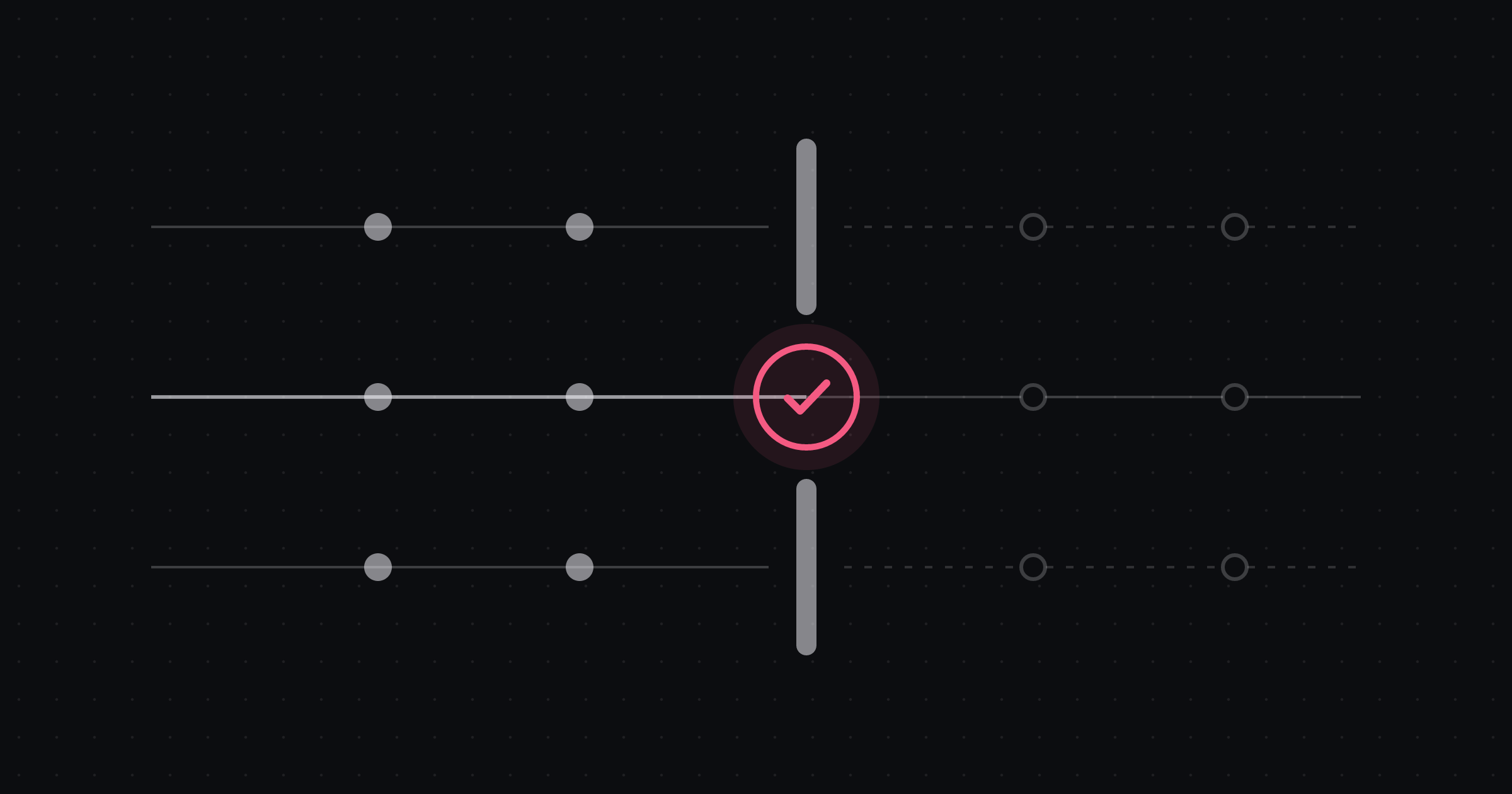
A gate is a condition that must hold before a run moves to the next step. Human gates are the ones that wait for a person.
Plan approval
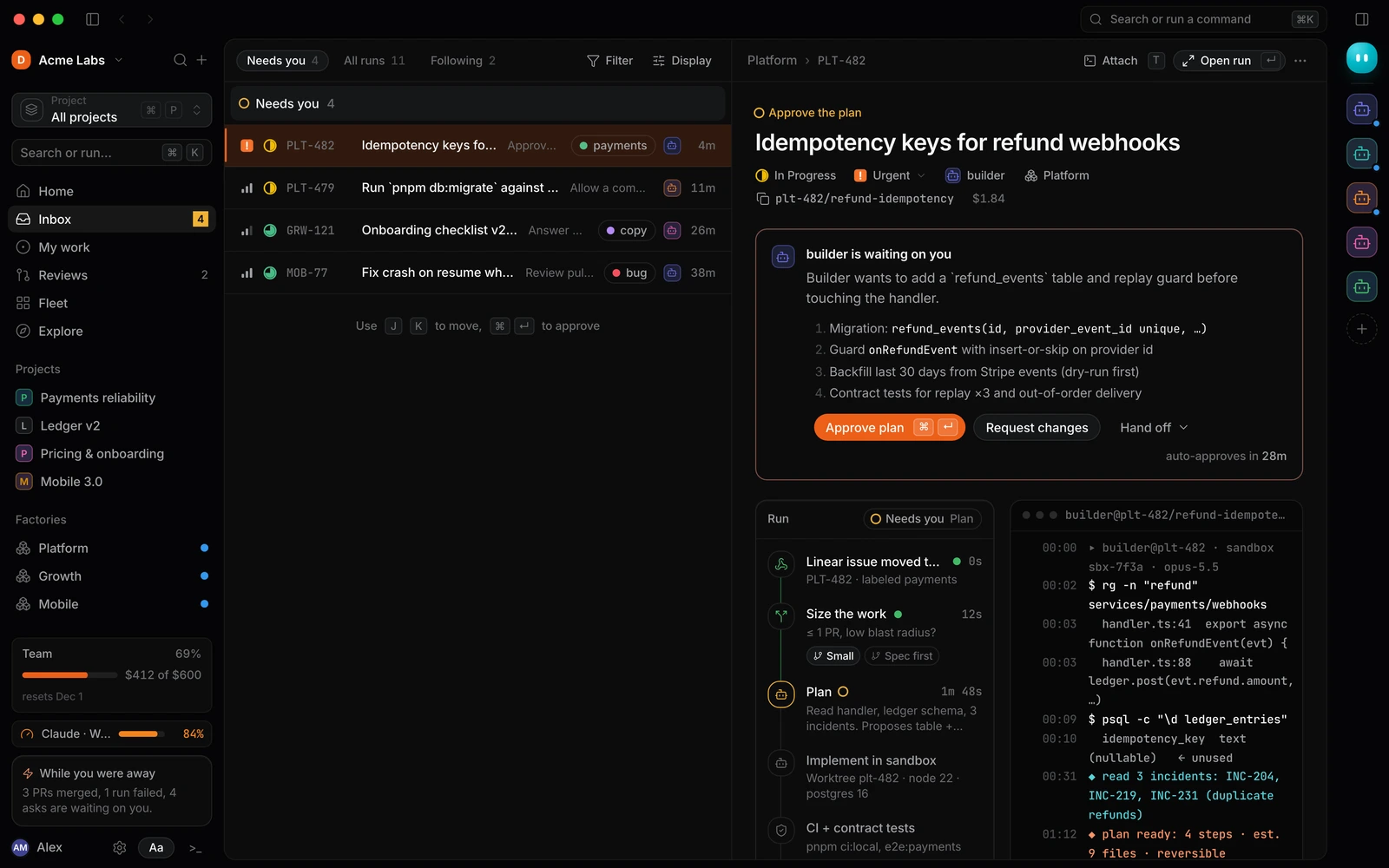
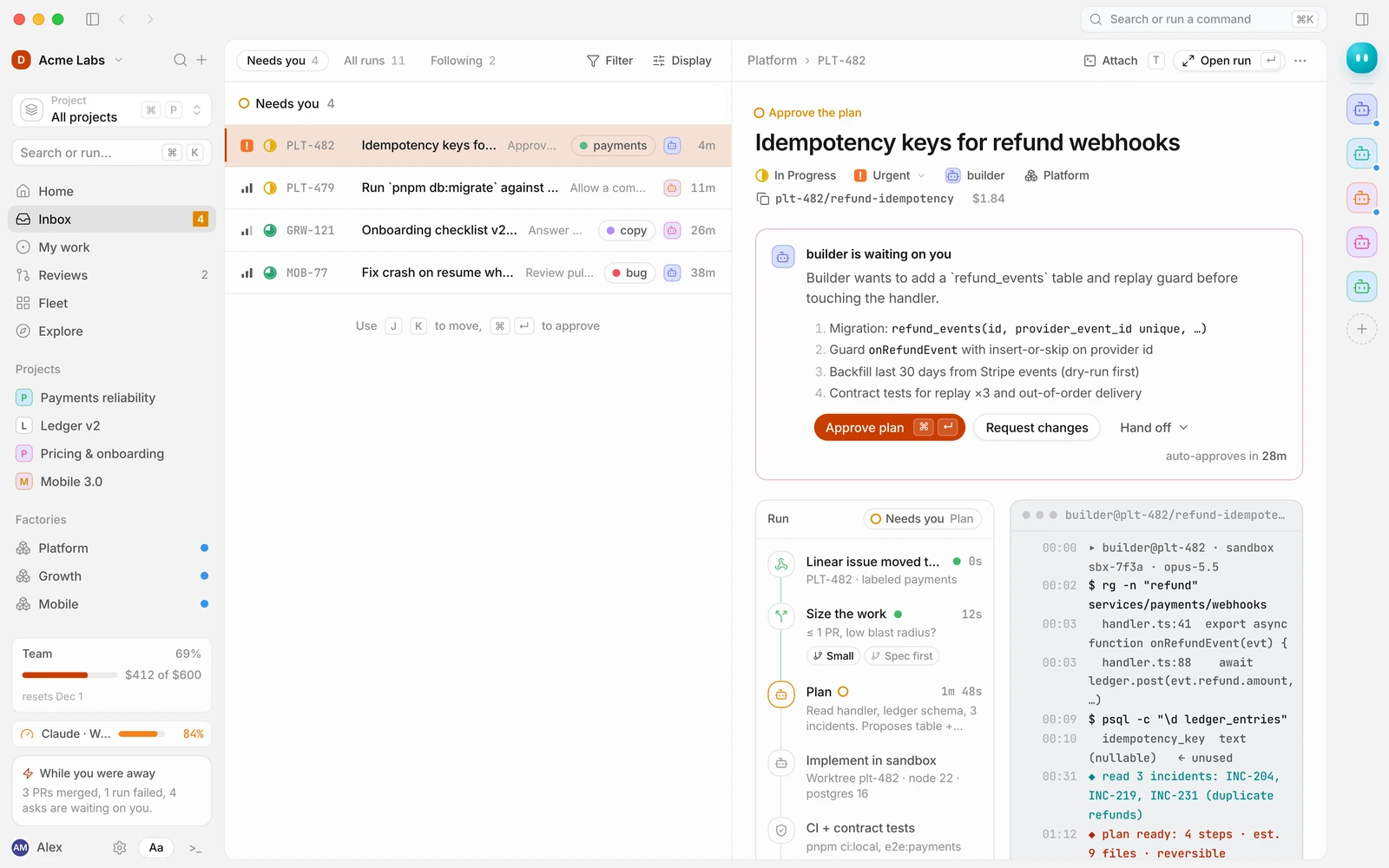
The single most effective control. The agent produces a plan (the approach, the files it will change, the tests it will add, any risks it sees) and the run pauses until someone approves it, requests changes or hands it to someone else.
Two details make plan approval work in practice:
- Make the plan concrete. “Fix the bug” is not a plan. “Add a unique constraint on
provider_event_id, guard the handler with insert-or-skip, backfill with a dry run first” is. - Make approving cheap. If approving a plan means opening three tabs, people will rubber-stamp or ignore it. One place, the plan in full, one keystroke to approve.
Command permissions
Agents run shell commands: tests, builds, package managers, database clients. Most are safe inside a sandbox. Some are not. A permission policy decides, per command pattern, whether the agent may run it, must ask first, or is blocked.
A reasonable shape:
- Allow read-only and local commands:
git status, test runners, linters, type checkers, build tools. - Ask for commands that change shared state or pull in new code: installing packages, running migrations, calling external services.
- Block anything that should never happen from an agent: deploys, production database access, force-pushes to protected branches.
When an agent hits an “ask” command, the run pauses and a request lands with a person, showing exactly what will run and why.
Merge approval
Whether agents may merge is a policy decision, not a technical one. A safe default is that agents open pull requests and people merge them. For narrow lanes with strong tests, such as dependency bumps or generated code, teams sometimes allow merge-on-green after a track record builds up.
Guardrails that do not need a person
Gates are expensive in attention. Guardrails are cheap. Use them for everything that can be checked mechanically.
Rules
Rules are short, plain-language policies attached to a workflow: “Never modify files under infra/ without operator approval”, “All new endpoints need an integration test.” They can be enforced at three strengths:
- Instruct: the rule is added to the agent’s instructions. Cheap, and the agent will usually comply.
- Check: after the relevant steps, a check evaluates whether the rule was followed and fails the step if not.
- Block: actions that would break the rule are denied outright.
Use block for anything where “usually” is not good enough.
Sandboxes and least privilege
Every run should execute in an isolated workspace: its own branch and worktree locally, or its own container or cloud machine. Give it the least access it needs. Test credentials, not production ones. Network access only where required. Secrets injected for specific steps, masked in logs and never written into the repository.
Isolation turns many dangerous mistakes into harmless ones. An agent that deletes a directory in a disposable sandbox has cost you a retry.
Automated checks
CI, type checks, linters and tests are guardrails too, and they are how you verify work you did not watch. Wire them in as gates: implementation does not move to review until the suite is green. An agent reviewer can add a judgment check (“does this diff match the approved plan?”) before a person ever looks.
Budgets and time limits are guardrails
A run that loops on a flaky test is not dangerous to your codebase, but it is dangerous to your budget. Give every run a spend cap and a time limit, and decide what happens at the limit. The behaviour we recommend is to pause at a safe checkpoint and ask, rather than kill the run mid-step or let it continue. We cover this in detail in Controlling AI agent spend.
Avoiding approval fatigue
The failure mode of human-in-the-loop systems is not too little oversight. It is too much, delivered badly, until people approve without reading. To avoid it:
- Ask less often. Every approval you add should earn its place. If people approve a given request every single time, automate it or make it a rule.
- Tier by risk. A one-line fix to a test helper does not need the same scrutiny as a migration. Route by size or risk, so large or sensitive changes get a written spec and a named approver.
- Batch and prioritise. Put everything waiting on a person in one queue, ordered by urgency, and make it fast to work through from the keyboard.
- Give requests a deadline. A request that sits for a day blocks a run. Set an expected response time and an escalation path.
Keep an audit trail
For every run you should be able to answer: what triggered it, which workflow version ran, what the agent did, which commands it executed, who approved what and when, and what it cost. That record is how you debug a bad change, explain a decision to a security reviewer and improve the workflow over time.
A starter policy
| Action | Default |
|---|---|
| Read code, search, run tests and linters | Allow |
| Edit files inside the run’s workspace | Allow |
| Start implementation | After plan approval |
| Install or upgrade dependencies | Ask |
| Run database migrations (test database) | Ask |
| Touch infrastructure or deploy configuration | Block, unless an operator approves |
| Access production data or credentials | Block |
| Open a pull request | Allow, after tests pass |
| Merge | Person, unless the lane allows merge-on-green |
| Exceed the run budget or time limit | Pause and ask |
Adapt the defaults to your risk tolerance, then loosen them only as you build evidence. In Duun, see gates, agent approvals and permissions and limits in the docs, or the help articles on how to approve a plan and allow a command.
Frequently asked questions
What does “human in the loop” mean for AI agents?
It means people make specific decisions in an otherwise automated process, typically approving plans, allowing risky actions, answering questions and approving merges, while the agent handles the steps in between.
Should every agent action require approval?
No. Requiring approval for everything trains people to click “approve” without reading. Reserve approvals for decisions that are risky or ambiguous, and handle the rest with sandboxes, rules and automated checks.
Are prompts enough to keep agents safe?
No. Instructions in a prompt are suggestions the model usually follows. Anything that must never happen should be enforced outside the model: blocked commands, scoped credentials and isolated environments.
How do we decide what can run without approval?
Start strict, watch what people approve, and automate the requests that are approved every time without changes. Keep human gates on anything with side effects you cannot undo.
Put your guardrails in place first
Duun ships with plan approvals, command permissions, rules, budgets and a full run history from the first run. It is in early access: request access and start with a policy you trust.