Agents
The five built-in agents, how to create your own with the New agent wizard, and what decides how an agent behaves in a run.
On this page
An agent is a named worker that runs one CLI runtime with one model, a system prompt, a set of skills and a permission mode. Workflow steps pick which agent does the work, so the same agent can plan in one factory and review in another. Every workspace starts with five built-in agents, and you can add your own from Agents → New agent.
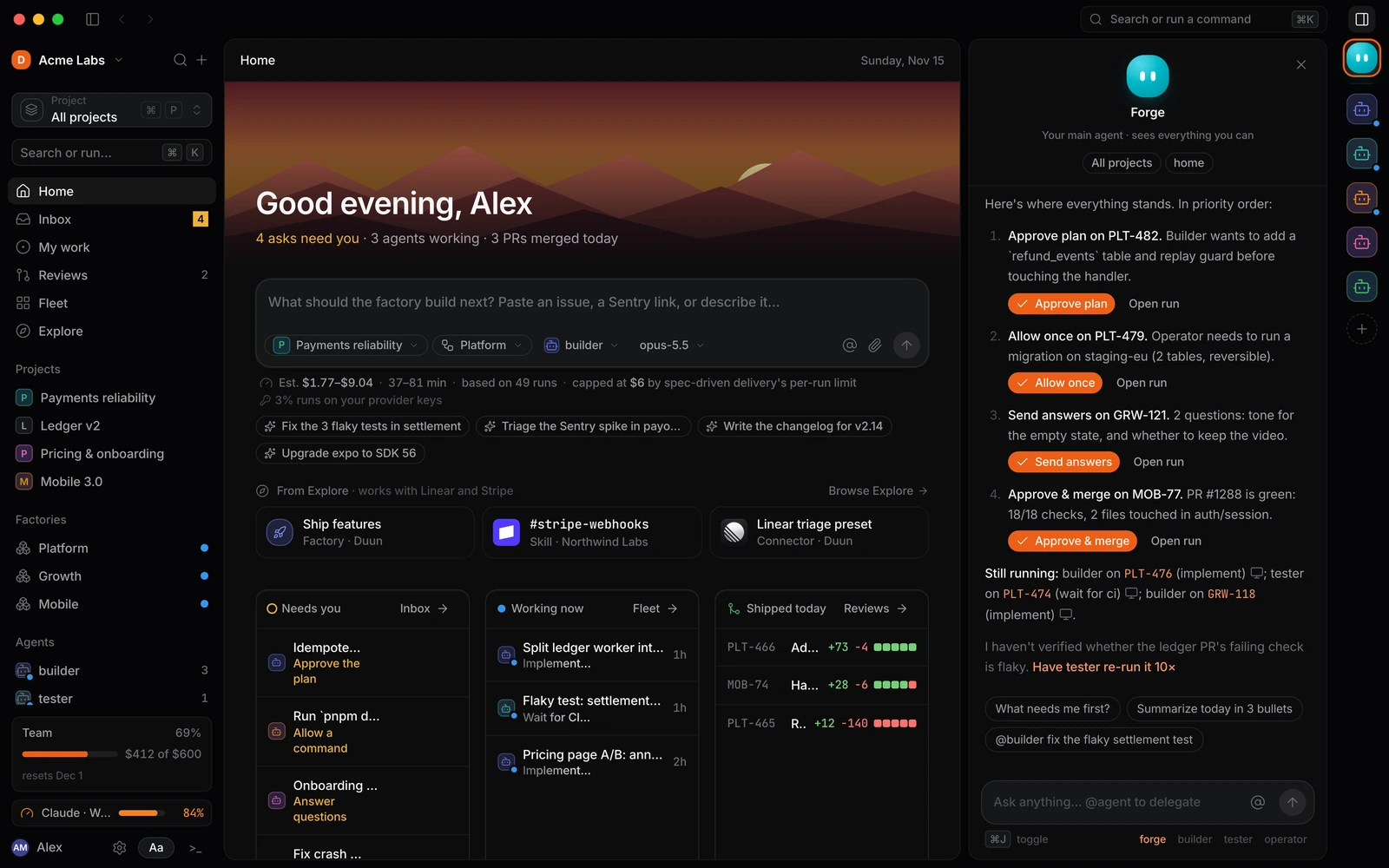
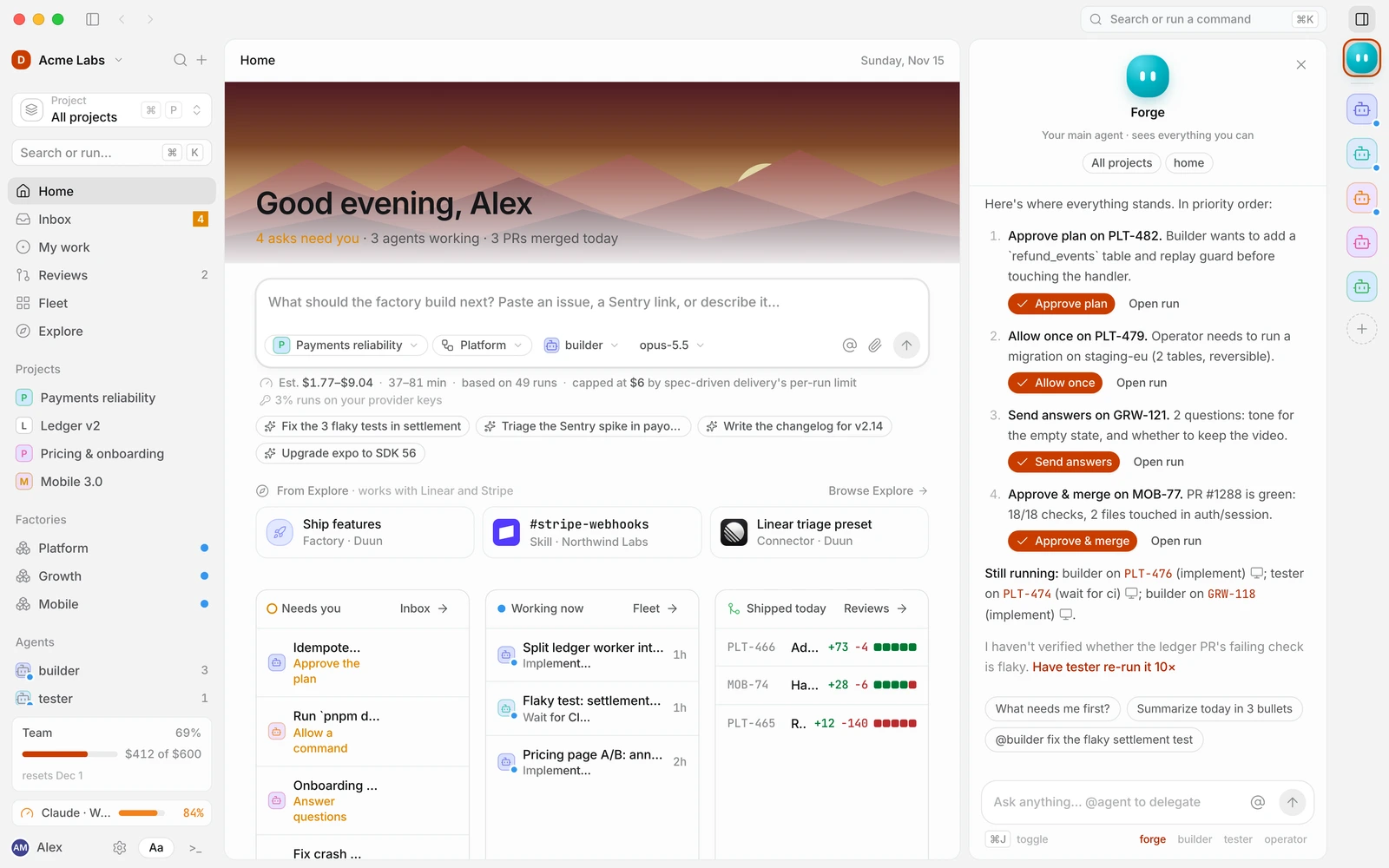
Built-in agents
Built-in agents cover the usual software factory roles. You can change their model, skills and permission mode, but you can’t delete them.
| Agent | Role | Runtime | Model | Permission mode |
|---|---|---|---|---|
builder | Plans and implements changes end to end | Claude Code | opus-5.5 | Ask for writes |
tester | Reproduces failures, hunts flakes, writes tests | Codex CLI | gpt-6-codex | Autonomous in sandbox |
operator | Migrations, deploys, infra changes | Claude Code | opus-5.5 | Ask for everything |
writer | Product copy, docs and changelogs | Gemini CLI | gemini-3-pro | Ask for writes |
reviewer | First-pass review against CODEOWNERS rules | OpenCode | sonnet-5.5 | Ask for everything |
Each agent also has a tool set that limits what it can touch, whatever its permission mode says:
| Agent | Read & search repo | Edit files | Run shell commands | Open pull requests | Network egress |
|---|---|---|---|---|---|
builder | Yes | Yes | Yes | Yes | No |
tester | Yes | Yes | Yes | No | No |
operator | Yes | No | Yes | Yes | Yes |
writer | Yes | Yes | No | Yes | No |
reviewer | Yes | No | No | No | No |
The reviewer is the agent behind the PR review owner in workflow steps. See Step kinds for how owners are assigned.
What an agent is made of
| Part | What it controls |
|---|---|
| Runtime | The CLI that does the work: Claude Code, Codex CLI, Gemini CLI or OpenCode. See Runtimes. |
| Model and effort | Which model the runtime calls and how hard it thinks (Default, Low, Medium, High, Max). See Models and BYOK. |
| System prompt | The agent’s standing instructions: its role, what to follow and when to ask. |
| Skills | SKILL.md packages the agent may load when a task matches. See Skills. |
| Tools and permission mode | What it may do, and what needs a person first. See Permissions and approvals. |
| Integrations | Connected apps it may call. API keys are injected as environment variables, never shown to the model. |
| Budget and limits | Hard stops per run. At the pause threshold the run pauses and asks. |
An agent never gets more access than the factory it runs in, or than you have. When an agent, a factory guardrail and a workspace rule disagree, the strictest one applies.
Create a custom agent
Open Agents → New agent, or press ⌘ K and search for “New agent”. The wizard has seven steps.
- Identity. Give the agent a name (lowercase, used as
@name), a colour and an optional avatar so it is easy to spot in runs, asks and reviews. - Runtime & model. Pick the CLI runtime, the model and the reasoning effort. You can also choose where it works by default: a local worktree, a cloud sandbox or an SSH computer.
- Instructions. Write the system prompt and choose its skills. Mention skills with
#skilland other agents with@name. - Tools & permissions. Turn tools on or off and choose a permission mode.
- Integrations. Optional. Pick the connected apps it may call.
- Budget & limits. Set a budget per run and a timeout. At 80% the run pauses and asks; nothing is ever silently stopped.
- Test & create. Talk to the agent in a throwaway sandbox before it touches real work. Nothing in the test is saved or billed to a project. Then select Create agent.
Start from a template
The first step offers templates that fill in a role, skills and a sensible permission mode:
| Template | Name | What it does |
|---|---|---|
| Researcher | researcher | Answers questions across repos, PRs and docs with a cited report. Never edits code. |
| Migrator | migrator | Plans and runs reversible schema and data migrations, with dry runs first. |
| Security reviewer | sentinel | Reviews diffs for auth, secrets and injection risks before humans do. |
| UI polisher | polisher | Fixes visual and accessibility issues in React screens and checks them in a browser. |
More agents are available on Explore, where Install agent creates a copy in your workspace.
Who can use it
Each custom agent has an audience: Just me, This project or the whole workspace. People outside the audience don’t see the agent in pickers and can’t assign it to workflow steps.
Write a good system prompt
The system prompt is prepended to every task the agent receives. Keep it about the role, not the task: the workflow step’s instructions say what to do this time. A built-in agent’s prompt looks like this:
You are builder. Plans and implements changes end-to-end.
Follow the repo's CONTRIBUTING.md and the factory's guardrails.
Ask when unsure; never guess at money movement.
A few habits that work well:
- Name the files it should read first (
CONTRIBUTING.md,AGENTS.md, an architecture doc). - Say what “done” means for this role, for example “tests pass and the PR description lists every migration”.
- Say when to stop and ask rather than guess.
- Leave workspace-wide habits to General instructions, which every agent receives anyway.
Mentions
In the system prompt, and in any composer, #name refers to a skill and @name refers to another agent. Mentioning a skill makes it available to the agent even if its description wouldn’t match. Mentioning an agent lets this agent hand work to it, for example “Ask @reviewer for a first pass before you open the PR.”
Change or retire an agent
Open the agent from Agents to edit its runtime, model, prompt, skills and tools. Changes apply from the next run; runs in progress keep the configuration they started with. The agent’s page also shows its success rate, average cost per run and recent runs, so you can see the effect of a change.
To stop using a custom agent, remove it from the workflow steps that name it and then delete it from its menu. Workflows that still reference it show a problem until you pick another owner.
Related
- Permissions and approvals
- Guidance and memory
- Agents API
- Approve a plan in the help center